Bubble Chart Maker, Create Bubble Charts Online for Free
Paste your data, pick a template, and show three dimensions at once. Built for market maps, portfolio reviews, and competitive analysis slides where a scatter plot alone isn't enough. Free to start.
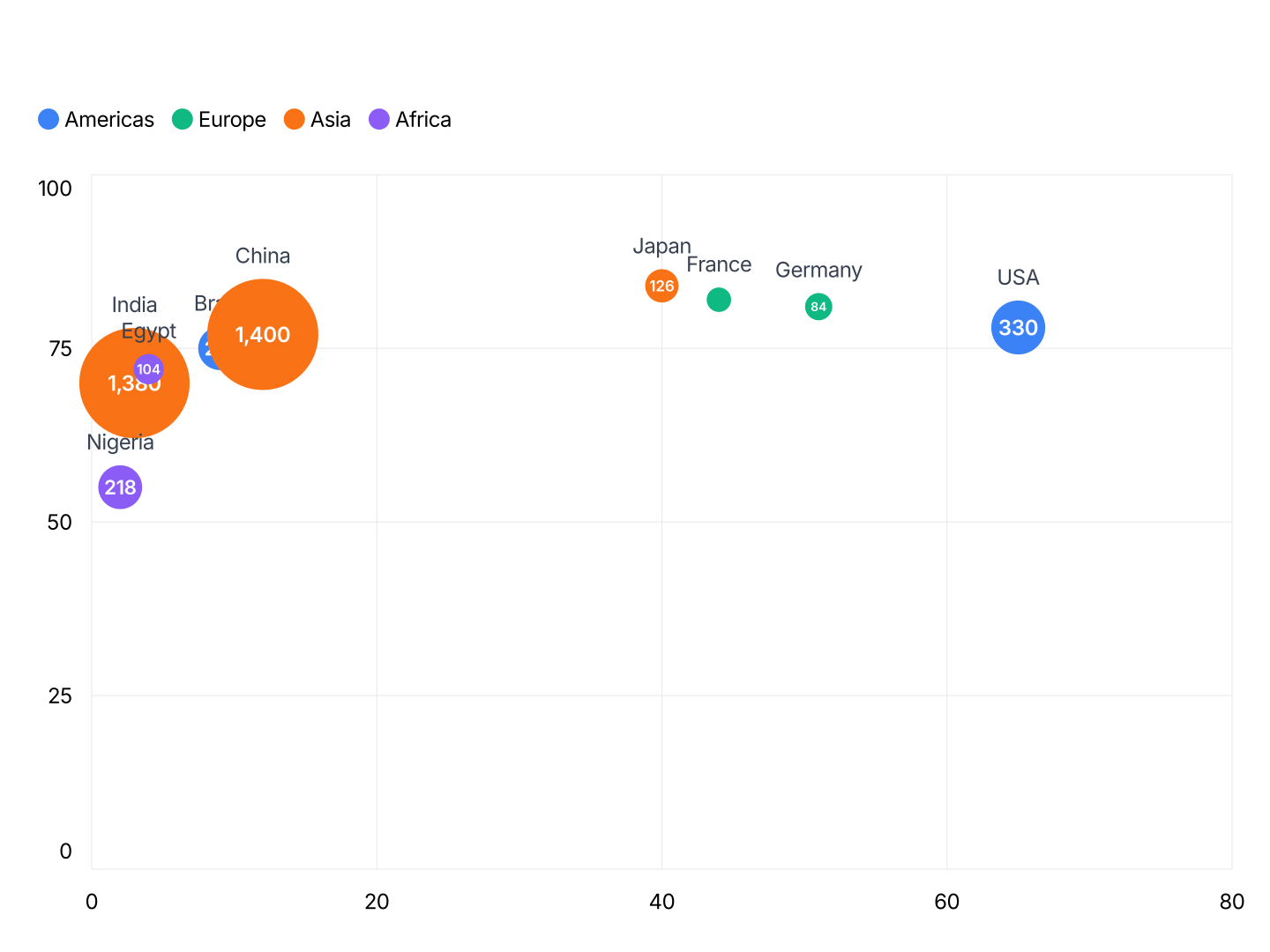
Everything You Need to Create Bubble Charts
- Three Dimensions in One: X position, Y position, and bubble size, each maps to a variable. Compare markets, products, or entities across three metrics without needing multiple charts.
- Proportional Sizing: Bubbles scale automatically to the size variable. The largest bubble always fits within the chart area without manual adjustment.
- Export Straight to PowerPoint: Export and drop it directly into PowerPoint, Google Slides, or reports.
- Color Groups: Assign different colors to categories or groups, adding a fourth dimension. Useful for showing clusters or segments within the same chart.
- Real-time Preview: See every change instantly. What you see in the editor is exactly what exports.
- No Design Skills Needed: Templates are professionally designed. Paste your data, adjust colors if needed, and export, most users are done in under two minutes.
When to Use a Bubble Chart
Bubble charts work best when position alone isn't enough, when the size of each data point carries meaningful information.
- Market Map: X=growth rate, Y=market share, size=total market value. One slide shows where each segment sits and how large it is relative to others.
- Product Portfolio: X=development cost, Y=revenue potential, size=current margin. Surface which products deserve investment and which are consuming resources disproportionately.
- Competitive Analysis: X=price, Y=customer satisfaction, size=market share. Spot underserved positions and see where competitors cluster.
- Country or Regional Comparison: X=GDP per capita, Y=growth rate, size=population. The classic Hans Rosling chart, dense information in a format that's immediately readable.
- Employee or Team Data: X=tenure, Y=performance score, size=team size. Show distribution across the organization without a table of numbers.
- Risk vs. Return: X=expected return, Y=risk level, size=allocation. Portfolio managers use this to show how assets compare and where concentration lies.
Bubble Chart vs Scatter Plot: Which Should You Use?
Both show relationships between two variables, but bubbles add a third.
Bubble Chart
- Best for: Three-variable comparisons where size carries meaning, market maps, portfolio analysis, resource allocation.
- Strength: Encodes more information per data point. Audiences immediately see which items are largest without reading a table.
- Use when: You have a meaningful size variable that isn't implied by X or Y position.
Scatter Plot
- Best for: Two-variable relationships, correlations, distributions, clusters.
- Strength: Cleaner and easier to read when the data doesn't have a meaningful size dimension.
- Use when: Position alone tells the story, regression analysis, performance outliers, quality control.
AECharts supports both. Use a scatter plot when two variables are enough; use a bubble chart when size adds real information.
How to Create a Bubble Chart
Choose a template. Browse chart templates and pick one that matches your style.
Paste your data. Copy from Excel or Google Sheets. One row per bubble with X value, Y value, and size value, AECharts scales bubbles proportionally.
Customize colors and style. Assign colors to bubble groups and match your brand. Adjust axis labels, fonts, and background.
Export. Export and drop it directly into PowerPoint, Google Slides, or reports.