Segmented Bar Chart Maker
A segmented bar chart uses horizontal bars divided into colored segments to show composition and ranking together. Bar length shows the total; segments show how it breaks down. The horizontal layout handles long category labels cleanly, making it the right choice when you need to rank categories and show their internal structure at the same time.
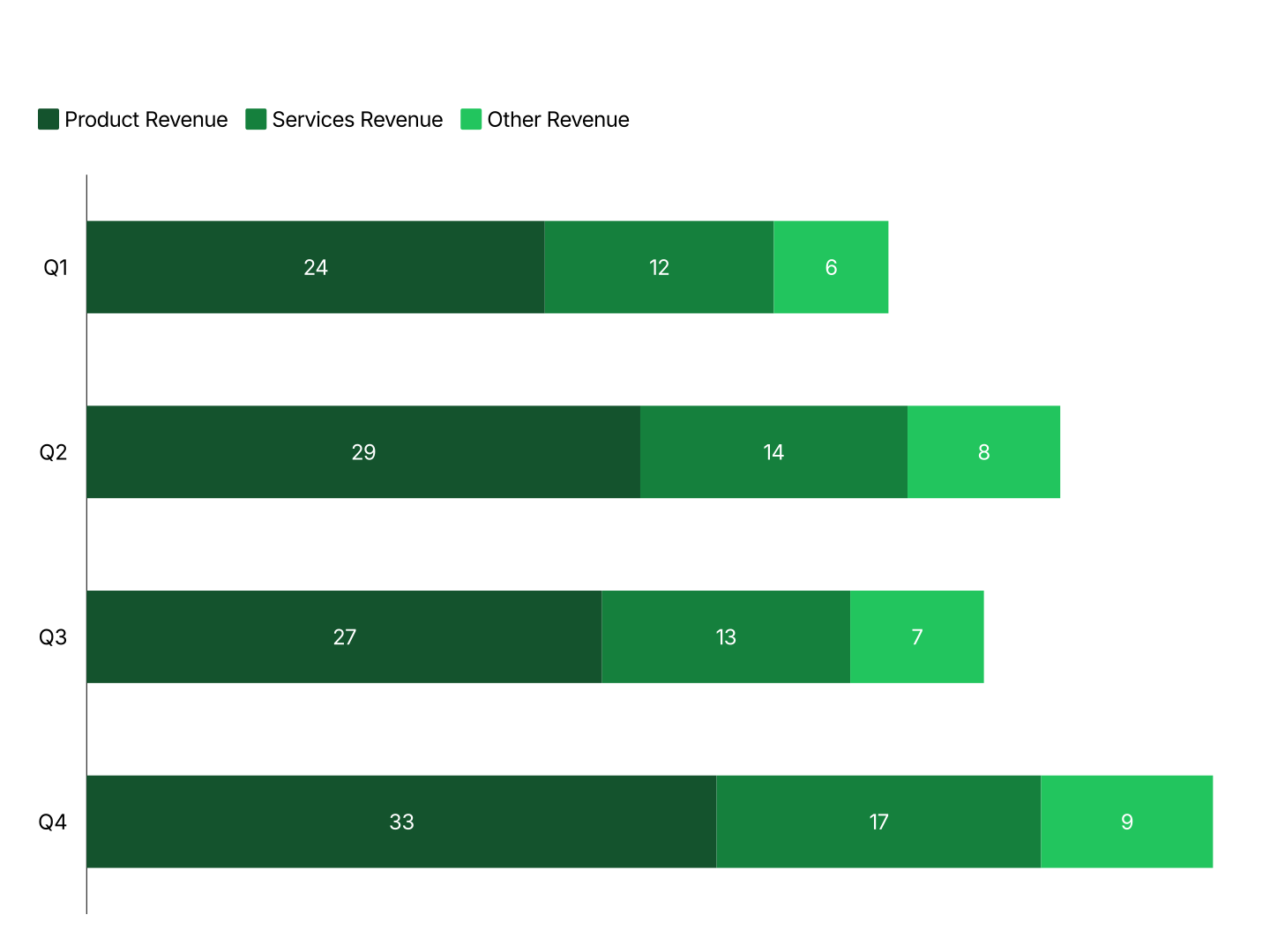
Segmented Bar Chart Features
- Horizontal Layout: Bars run left to right. Category labels sit on the vertical axis with room to breathe, no rotation, no truncation, even with long names.
- Easy Data Import: Import from Excel or Google Sheets. First column is the category; each additional column is one segment. AECharts builds the chart automatically.
- Stacked & 100% Stacked Modes: Switch between standard stacked (shows totals and composition) and 100% stacked (shows proportions only) with one click.
- Custom Colors & Fonts: Assign colors to each segment and match your brand palette. Adjust fonts, backgrounds, and label styles.
- Export Straight to PowerPoint: Export and drop it directly into PowerPoint, Google Slides, or reports.
- Real-time Preview: See every change instantly. What you see in the editor is exactly what exports.
When to Use a Segmented Bar Chart
Segmented bar charts are the right choice when category labels are long, when you have many categories to rank, or when showing totals alongside composition matters as much as the ranking itself.
- Revenue by Country: Each bar = one country, ranked by total revenue. Segments = product lines or business units. Long country names fit cleanly on the vertical axis without rotation.
- Headcount by Department: Each bar = one department. Segments = teams or job levels. Shows org size and internal structure at the same time. Easy to rank departments by total headcount.
- Market Share by Competitor: Each bar = one market or region. Segments = competitors. Bar length shows market size; segments show who owns what share. Rank markets by total size to surface the biggest opportunities.
- Survey Results by Group: Each bar = one respondent group. Segments = response options (agree, neutral, disagree). Horizontal layout handles long group labels cleanly and makes response patterns easy to compare.
- Budget by Function: Each bar = one function (Sales, Marketing, Engineering). Segments = cost categories. Ranks functions by total spend and shows how each allocates its budget.
- Support Tickets by Category: Each bar = one ticket category ranked by volume. Segments = severity or team. Shows where volume is concentrated and how it breaks down, in one horizontal view.
Segmented Bar Chart vs Stacked Column Chart
Both stack segments to show composition. The difference is orientation and what goes on each axis.
Segmented Bar Chart (horizontal)
- Best for: Ranking categories with long names alongside their composition breakdown.
- Strength: Labels on the vertical axis have room to breathe. Easy to rank by bar length while reading composition left to right.
- Use when: Revenue by country, headcount by department, market share by competitor.
Stacked Column Chart (vertical)
- Best for: Showing how composition shifts over time, quarters, years, reporting periods.
- Strength: Time reads naturally left to right. Column height shows total while segments show mix.
- Use when: Revenue mix by quarter, cost structure over time, P&L composition by year.
AECharts supports both. Switch between horizontal and vertical to find the right layout for your data.
How to Create a Segmented Bar Chart
Select the horizontal bar chart type. Open the AECharts editor, select Bar Chart from the chart type picker, and choose the horizontal stacked variant. Browse the template explorer on the right panel to apply a visual style instantly.
Enter your data. Click "Edit Data" in the top-right corner. The first column holds your category names, each row becomes one horizontal bar. Additional columns are your segments, each adds one stacked section to every bar. Import directly from Excel or Google Sheets, or upload a CSV or Excel file.
Adjust styling. Use the top menu bar to assign a color to each segment. Adjust bar height, stroke color, and stroke width. Switch between standard stacked and 100% stacked mode with one click. All label, axis, and grid options are available. Every change previews instantly.
Export. Export and drop it directly into PowerPoint, Google Slides, or reports.